In the realm of digital business, conversions are the lifeblood that sustains growth. The "STORM" theme, designed with a...
Purchase Growthkit Theme
Get best out of HubSpot CMS with our theme pack, fully customizable with newest updates to the CMS.


To make use of this particular theme, it is necessary to have a HubSpot CMS Hub account. If you do not already possess one, you can visit the given link to create an account on the platform.

You can either install your theme from HubSpot Asset Marketplace or a .zip file.
If you’re installing the theme from HubSpot Asset Marketplace, just click the Install for free button on theme page and then follow the instructions.
If you have a .zip file of your HubSpot CMS theme, please follow the steps below to install it onto your account:
If you completed the steps successfully, you should see the Storm theme and its templates when you're creating a new page.
To learn more about theme installation, please visit HubSpot Reference Docs.

Here you can find the answers to frequently asked questions by our customers.
Navigate to Marketing > Website > Website Pages and choose a page to edit. On Edit page screen, switch to Theme tab and then click Edit theme settings button.
Go to Theme Options > Other settings > Visual tweaks and uncheck Show slash icon under titles box.
Storm has 40 ready-to-use page templates for you, as well as the default HubSpot system templates such as Search Results, Password Required Page, Subscription Page etc.
The intention behind creating this template is for it to be utilized specifically on the homepage of your website. The template includes the subsequent sections and modules in a particular order:
File location: /templates/Home 1.html
The sections and modules of this template have been arranged in a specific order for use on your website's homepage:
File location: /templates/Home 2.html
This template can be used when you want to share information about yourself and your team. It includes the following sections and modules arranged in a specific order:
File location: /templates/About Us.html
Here is the template for your blog, which includes the following module:
File location: /templates/Blog Listing.html
At present, HubSpot does not permit the use of drag and drop functionality in blog post templates. This means that the sections and modules are integrated into the template and cannot be accessed through the page editor:
File location: /templates/Blog Post.html
Book a Webinar template allows users to easily book and schedule webinars, providing a convenient way to share knowledge and engage with audiences.
File location: /templates/Book a Webinar.html
Careers Single template provides a detailed overview of a particular job opportunity, including job responsibilities, required qualifications, and potential for career growth, helping job seekers make informed decisions about their career paths.
File location: /templates/Careers Single.html
Careers template displays available job opportunities and career paths within a company, providing information on current job openings, company culture, benefits, and opportunities for professional development, helping businesses attract and retain top talent.
File location: /templates/Careers.html
Case Study Single template presents a comprehensive analysis of a specific project, product, or service that demonstrates an organization's problem-solving capabilities and achievements, helping businesses showcase their expertise and build credibility with potential clients or customers.
File location: /templates/Case Study Single.html
Case Study template is used to present in-depth analysis of successful projects, products, or services that highlight a company's expertise and build credibility with potential clients, helping businesses increase their sales and establish their brand.
File location: /templates/Case Study.html
In case your website is currently undergoing development or maintenance, this template can be used to greet your visitors. The template comprises the following sections and modules arranged in a particular sequence:
File location: /templates/Coming Soon.html
This template can be utilized to design your contact us page, with the following sections arranged in a specific order:
File location: /templates/Contact Us.html
Customer Page template showcases positive customer experiences through quotes, feedback, ratings, and images, helping businesses build trust and credibility with potential customers.
File location: /templates/Customer Page.html
Download App template is used to promote mobile applications with a call-to-action button to encourage visitors to download the app, helping businesses to increase their user base and customer engagement.
File location: /templates/Download App.html
Ebook Download template is designed to showcase and promote downloadable ebooks. It includes sections for book details and a download button, providing a straightforward way for users to access the content.
File location: /templates/Ebook Download.html
Event Listing template is designed to showcase a list of upcoming events. It includes event details such as the date, time, location, and registration information.
File location: /templates/Event Listing.html
Event Single template is designed to showcase detailed information about a specific event, such as the date, time, location, and agenda. It typically includes a registration form for attendees and may feature multimedia content, such as photos or videos.
File location: /templates/Event Single.html
FAQ's template is a pre-designed webpage layout that allows businesses or organizations to display frequently asked questions and their respective answers in a structured and easily navigable manner. This template typically includes sections for organizing questions by topic or category and may also feature a search bar for users to quickly find the information they need.
File location: /templates/FAQs.html
Gallery template is used to showcase a collection of images or videos in a visually appealing way. It typically includes a grid layout with the ability to click on individual images to view them in a larger size or as a slideshow.
File location: /templates/Gallery.html
Partners Single template is designed to showcase detailed information about a specific partner of a company or organization. It typically includes a brief introduction of the partner, their logo or branding, and a description of the partnership or collaboration.
File location: /templates/Partners Single.html
Partners template is designed to showcase a company's partnerships and collaborations with other organizations. It typically includes sections highlighting the featured partners, their logos, and descriptions of the partnerships.
File location: /templates/Partners.html
Pillar Page template is a comprehensive and in-depth web page that focuses on a specific topic or theme. It typically contains various subtopics, sections, and internal links, providing visitors with an organized and informative resource on the subject. The design often features a user-friendly layout and engaging visuals to keep readers engaged.
File location: /templates/Pillar.html
Pricing template provides a clear and concise overview of the different pricing plans or packages offered by a company or organization. It typically includes detailed information on the features and benefits of each plan, allowing customers to make an informed decision about which option best suits their needs and budget.
File location: /templates/Pricing 2.html
Privacy Policy template provides a comprehensive overview of a website's data collection and usage policies, including information on how personal data is collected, processed, and shared with third parties. It is a legal document designed to inform website visitors of their rights and obligations related to privacy and data protection.
File location: /templates/Privacy Policy.html
Product Single template is a page that showcases a single product in detail, including its features, benefits, and specifications. It typically includes product images, descriptions, pricing, and calls-to-action to encourage users to make a purchase or learn more about the product.
File location: /templates/Product Single.html
Product template is a pre-designed layout for showcasing products or services offered by a company or organization. It typically includes sections for product descriptions, features, specifications, and pricing information. The template is designed to help businesses present their products in an organized and visually appealing way, making it easier for customers to browse and compare different options.
File location: /templates/Product.html
Refer a Friend template is a marketing tool that encourages existing customers to refer their friends or family to the company's products or services. It typically includes a referral form and information on the rewards or incentives for successful referrals.
File location: /templates/Refer a Friend.html
Request a Demo template is designed to allow potential customers to schedule a demonstration of a product or service. It typically includes a form for requesting a demo and information about the benefits of the product or service.
File location: /templates/Request a Demo.html
Request a Quote template is a tool used by businesses to allow customers to request a price estimate for a product or service. It typically includes a form where customers can provide their contact information, the specifics of the product or service they are interested in, and any additional comments or questions they may have.
File location: /templates/Request a Quote.html
Resource Page template is a website page designed to provide users with easy access to a range of useful resources related to a particular topic or industry. It may include links to articles, ebooks, videos, webinars, and other types of content, all aimed at providing valuable information to visitors.
File location: /templates/Resource.html
Services Single template is designed to showcase a specific service offered by a company or organization. It typically includes a detailed description of the service, its features and benefits, and any related pricing or package options.
File location: /templates/Services Single.html
Services Page template is a website layout that presents information about the products and services offered by a company. It usually includes a list of services with brief descriptions, pricing details, and contact information.
File location: /templates/Services.html
Style Guide template is a document that outlines a company's brand identity, including guidelines on the use of logos, colors, fonts, and other visual elements. It ensures consistency and coherence across all marketing and communication materials.
File location: /templates/Style Guide.html
Success Story template showcases how a company or organization has achieved success in addressing a particular challenge or achieving a specific goal. It typically includes a description of the problem, the solution implemented, and the outcomes achieved, and is often used as a marketing tool to build credibility and showcase expertise.
File location: /templates/Success Story.html
Team 1 Page template is a pre-designed web page that allows companies to showcase their team members and their roles in the organization. It includes sections for team member profiles, photos, and contact information, as well as a brief overview of the company's mission and values.
File location: /templates/Team 1.html
Team 2 template is a page layout that showcases a company's team members and their respective roles and responsibilities. It typically includes individual photos, biographies, and links to social media profiles. The template is useful for providing visitors with an overview of the company's team and their expertise.
File location: /templates/Team 2.html
Terms & Conditions template is a legal document that outlines the rules, responsibilities, and obligations for using a website or service. It typically includes information about user behavior, intellectual property rights, payment and billing, and dispute resolution.
File location: /templates/Terms and Conditions.html
Testimonial template is a tool that showcases customer feedback or reviews about a product, service, or company. It typically includes a section for quotes or written feedback, along with the customer's name and photo to build credibility and trust with potential customers.
File location: /templates/Testimonial.html
Thank You template is a page that is displayed after a user completes an action such as making a purchase, signing up for a newsletter, or filling out a form. It typically includes a message of gratitude and can also provide further instructions or recommendations for the user.
File location: /templates/Thank you.html
The Landing Page template is designed to encourage visitors to take a specific action, such as signing up for a service, making a purchase, or subscribing to a newsletter. It typically features a clean design, concise messaging, and a prominent call-to-action button.
File location: /templates/Two Col With BG LP.html
Storm has 6 ready-to-use sections.
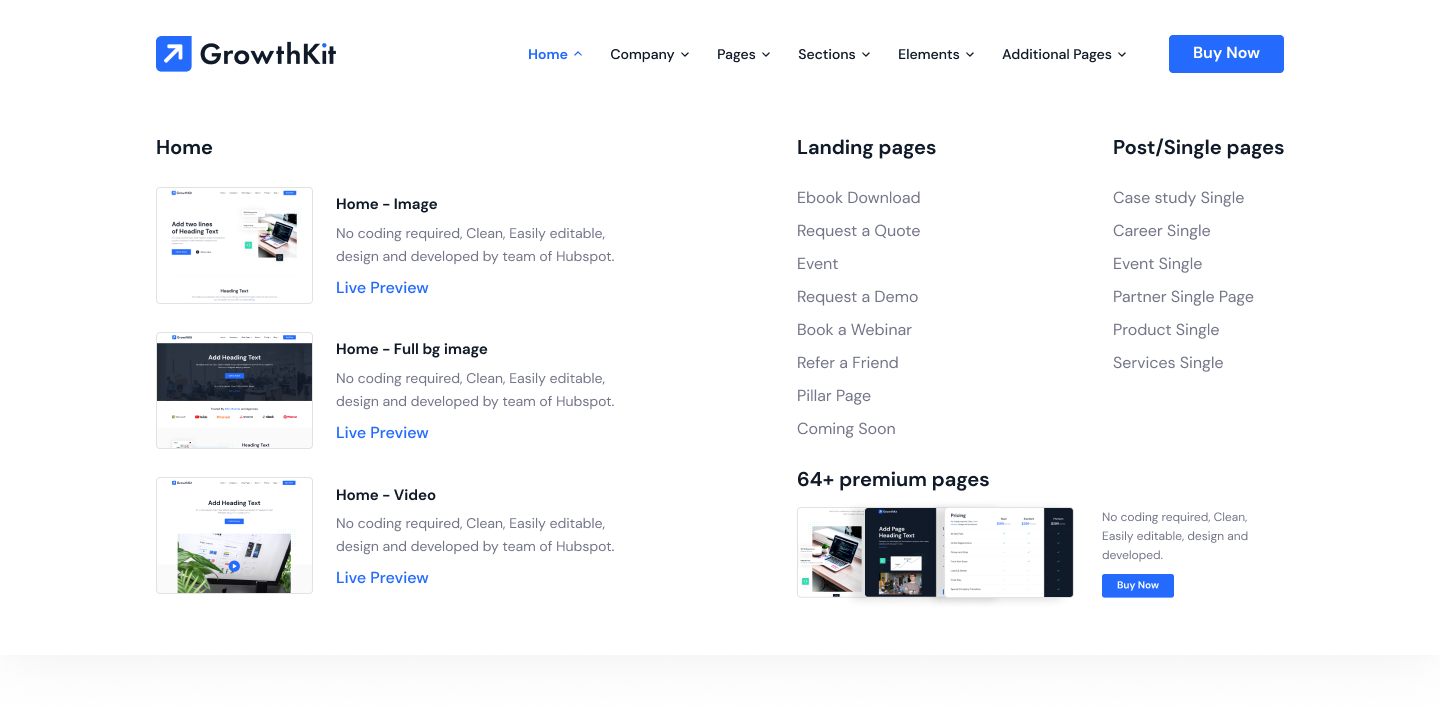
Storm has 39 ready-to-use Modules.